Ok, my tool is a midi-router, “xentool”. It should work both under Windows and Linux.
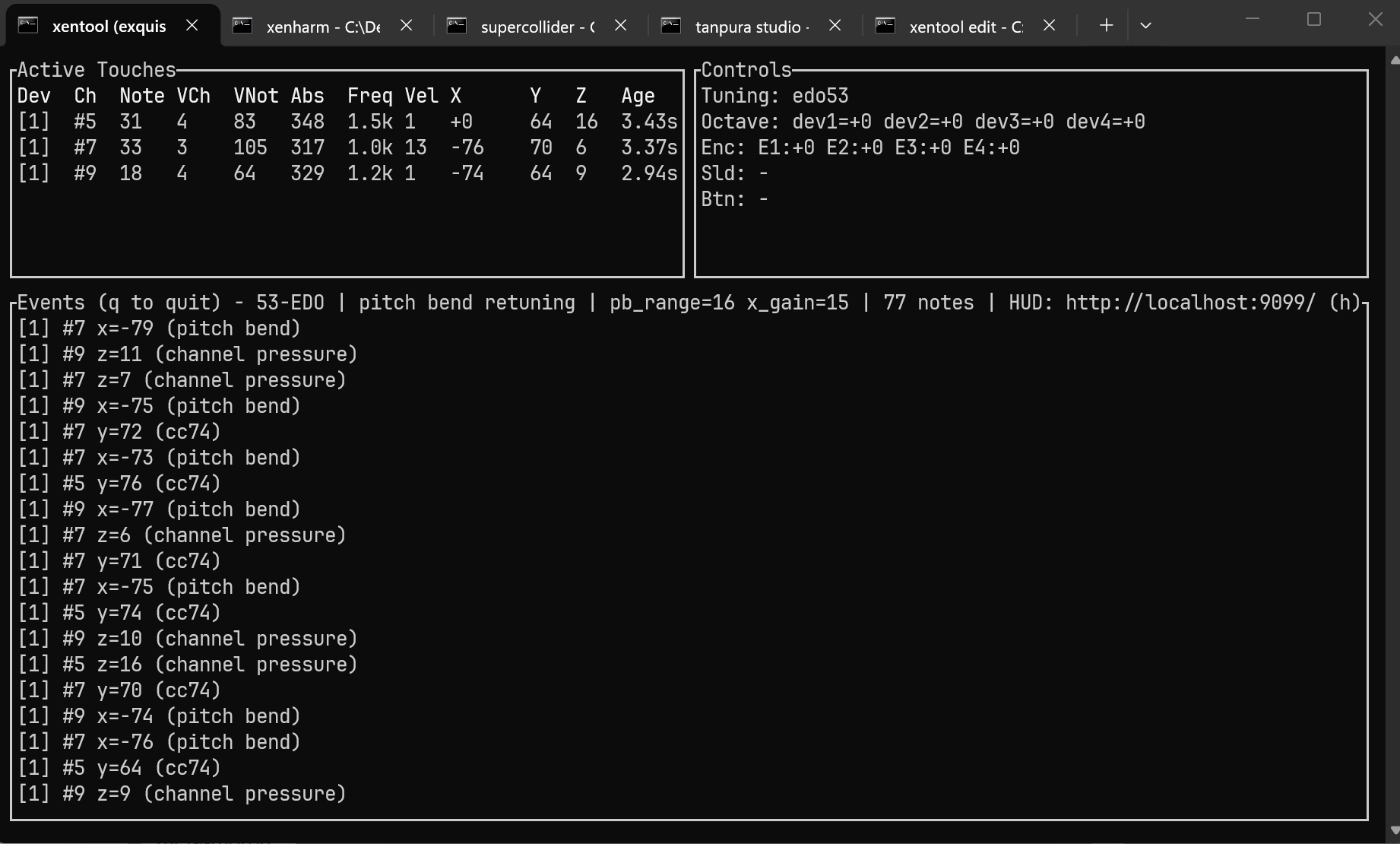
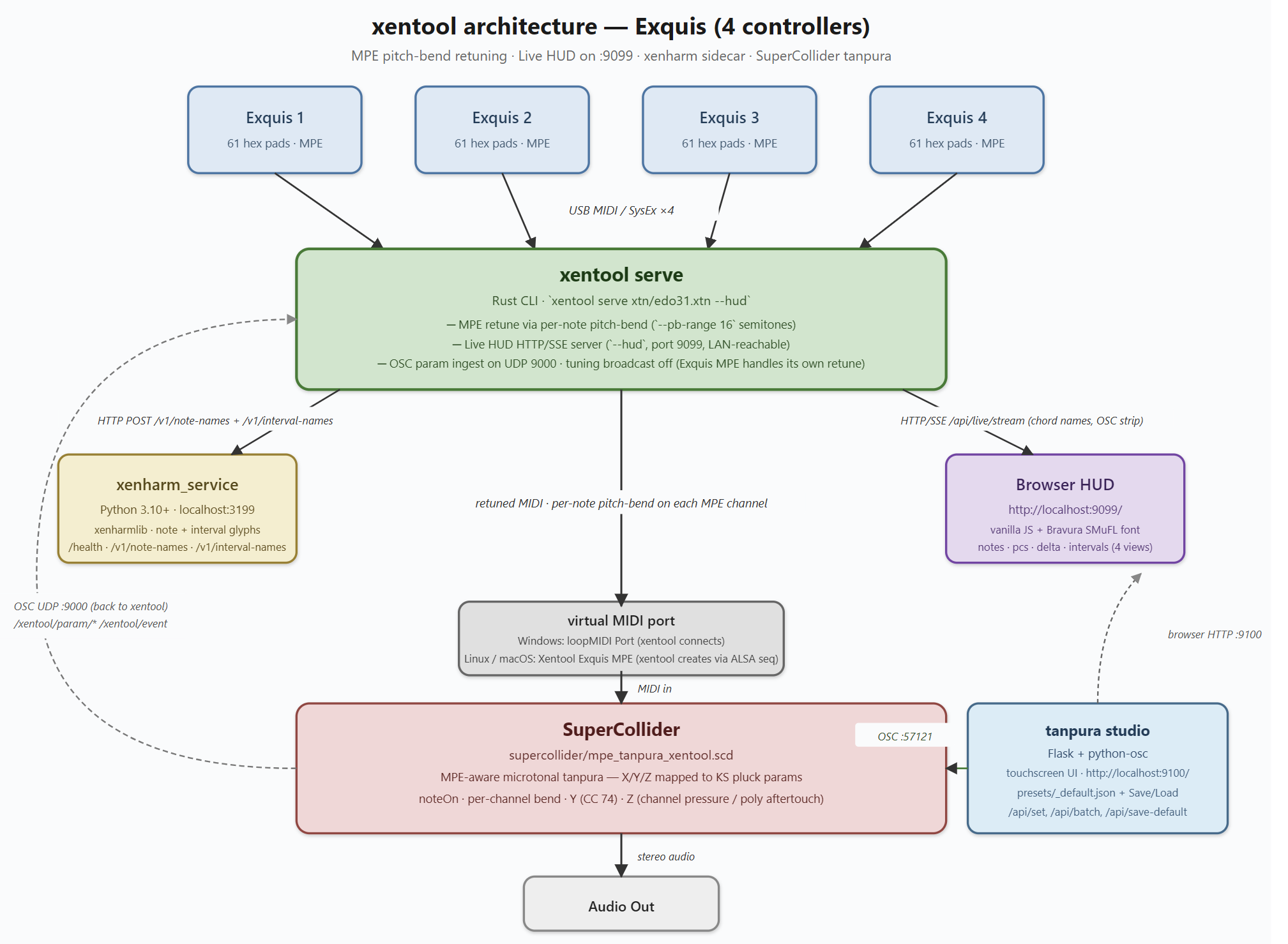
Basically, it reads MPE-MIDI from 1 to n Exquis (firmware >= 3.0.0), combines, processes and outputs it to one virtual midi device. The processing step takes into account a 2D tuning file (similar to Lumatone format) and replaces the output MIDI note and output MPE pitchbend message so that tuned base frequency of the pressed individual board-pad combination is merged with the current X axis position of the pad (incoming pitch bend), and relayed to the MPE synth connected to the virtual MIDI device (pitchbend range should be set to “±16” halftones (±1600c) in synth)
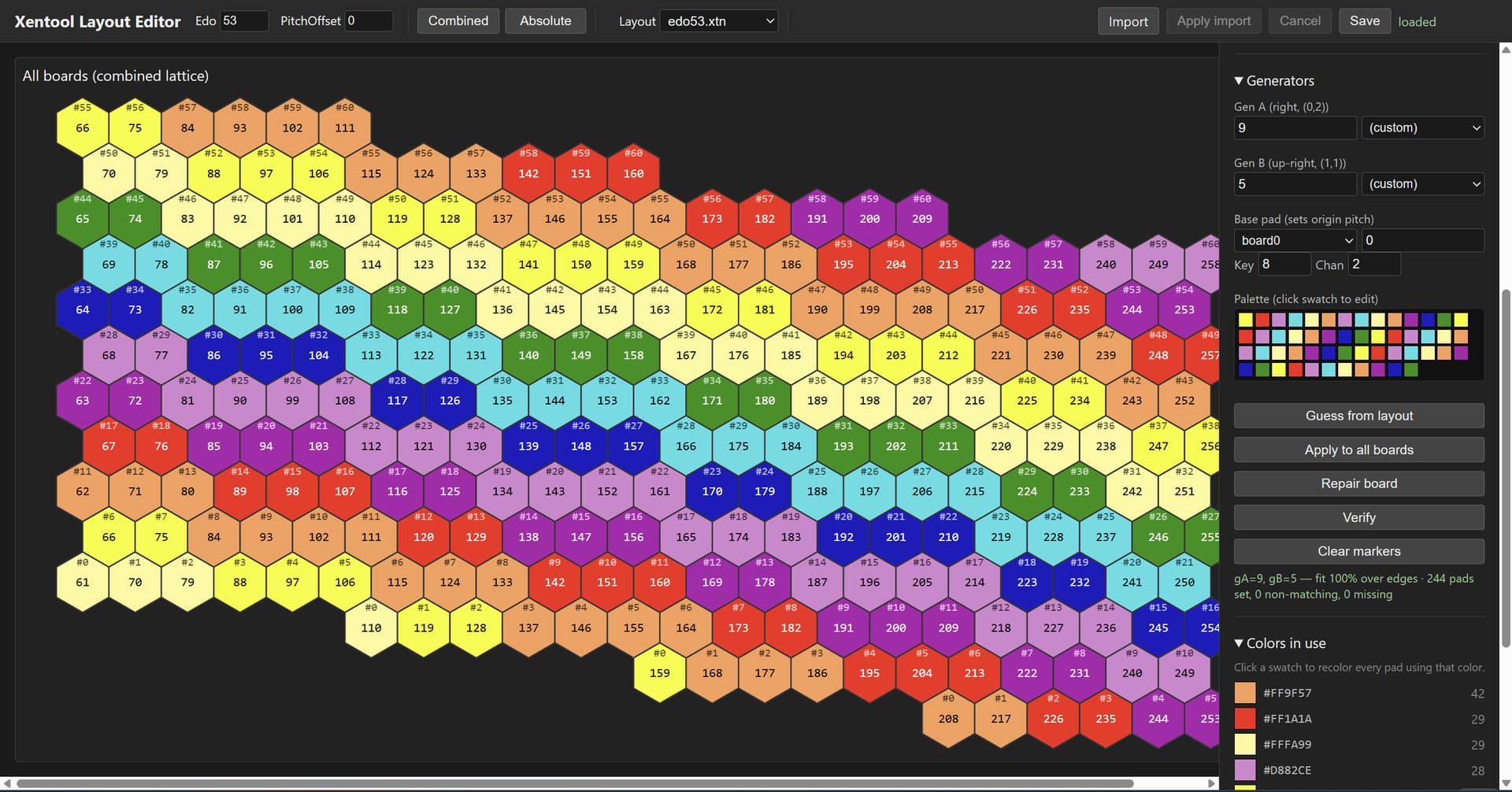
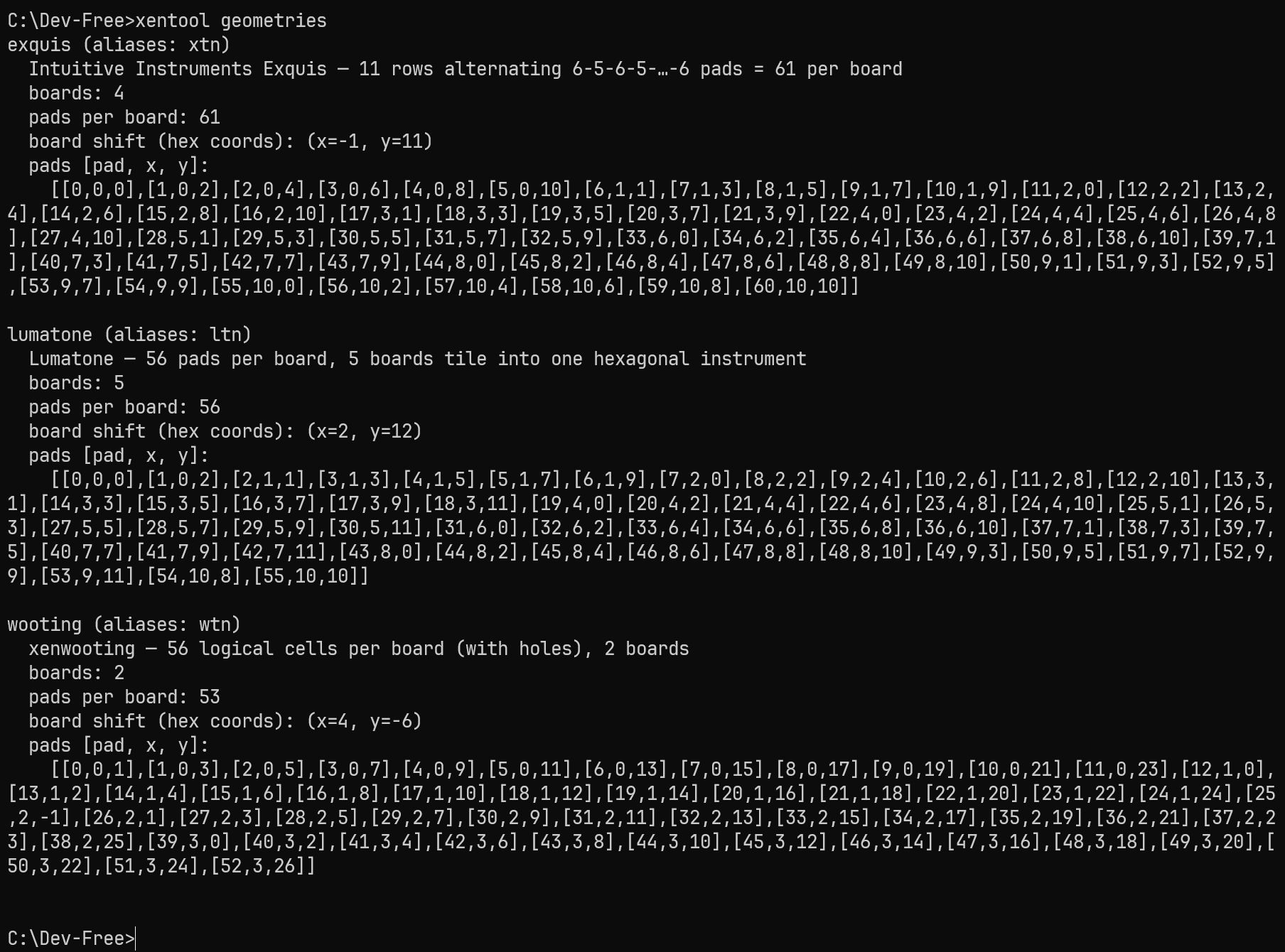
The tool allows to load, create, import and edit 2D tuning files “.xtn”, which are almost the same format as Lumatone tuning files (.ltn), which are supported by the importer. While the tool is a text-based command line tool which can run headless (I will put it on a Raspberry Pi), it has several web-based UI you can access per web browser: board editor, live view and synth parameters (if using the included Supercollider script as synth).
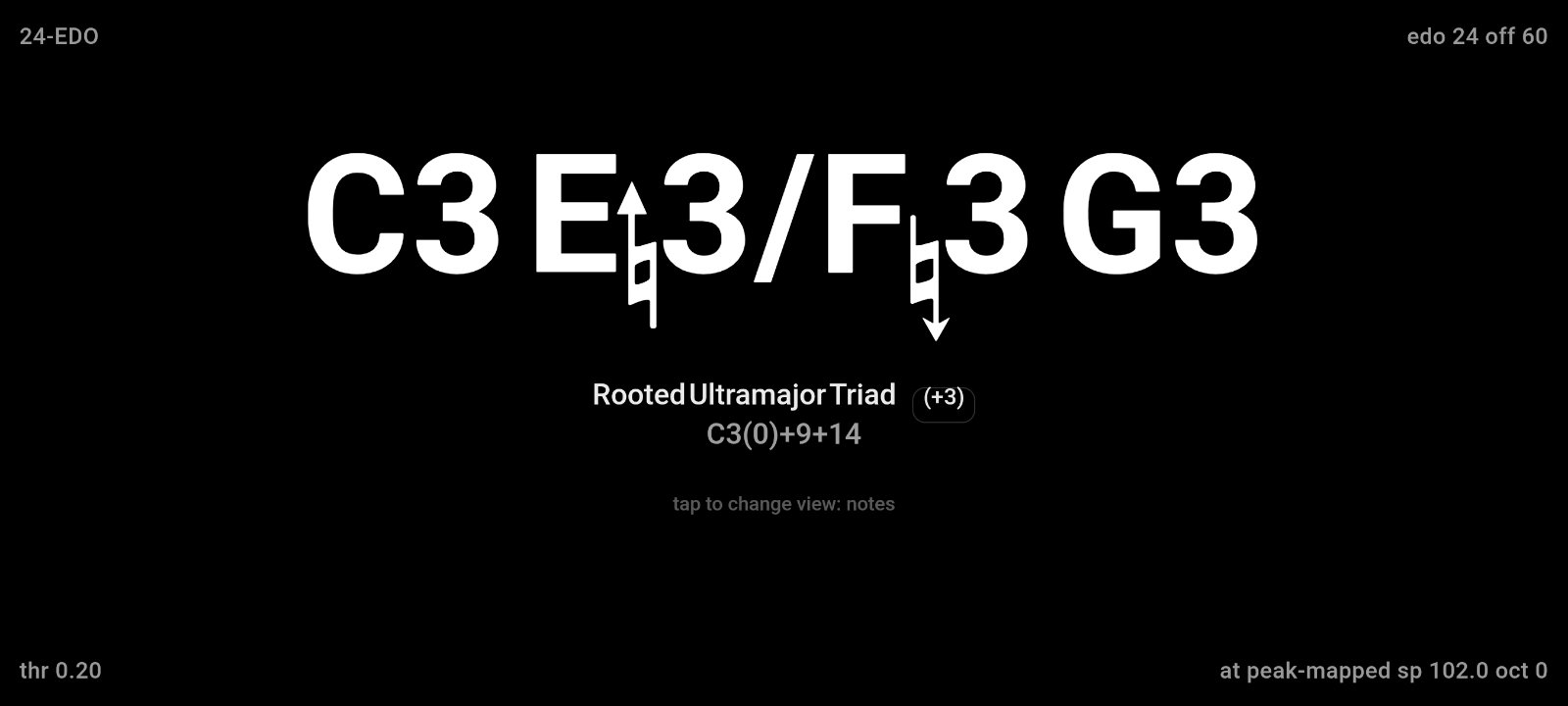
There is a live HUD view (which can for example be loaded on a mobile phone when playing in headless mode) showing pressed notes/intervals/chords. It optionally uses Xenharmlib by Fabian Vallon and a Scala export file with chord names for enhanded notation. Without Xenharmlib it will show pitch classes (i.e. 0-52 for 53 EDO) and numerical interval and note names.
Any MPE synth can be used, but in the standard setup I included a SuperCollider script for testing, as well as a UI to fine-tune the parameters.
The tool is so new that nobody besides me used it before, so let’s consider it experimental for now - I tested it and it works to my liking under Windows. Next, I will put it onto my Pi for headless mode in the next days. Documentation exists, but is mostly AI generated - I will give it a human review over the next view days. It can be downloaded at GitHub - mcleinn/xentool: Microtonal controller for Wooting analog gaming keyboards and Exquis MPE controllers · GitHub
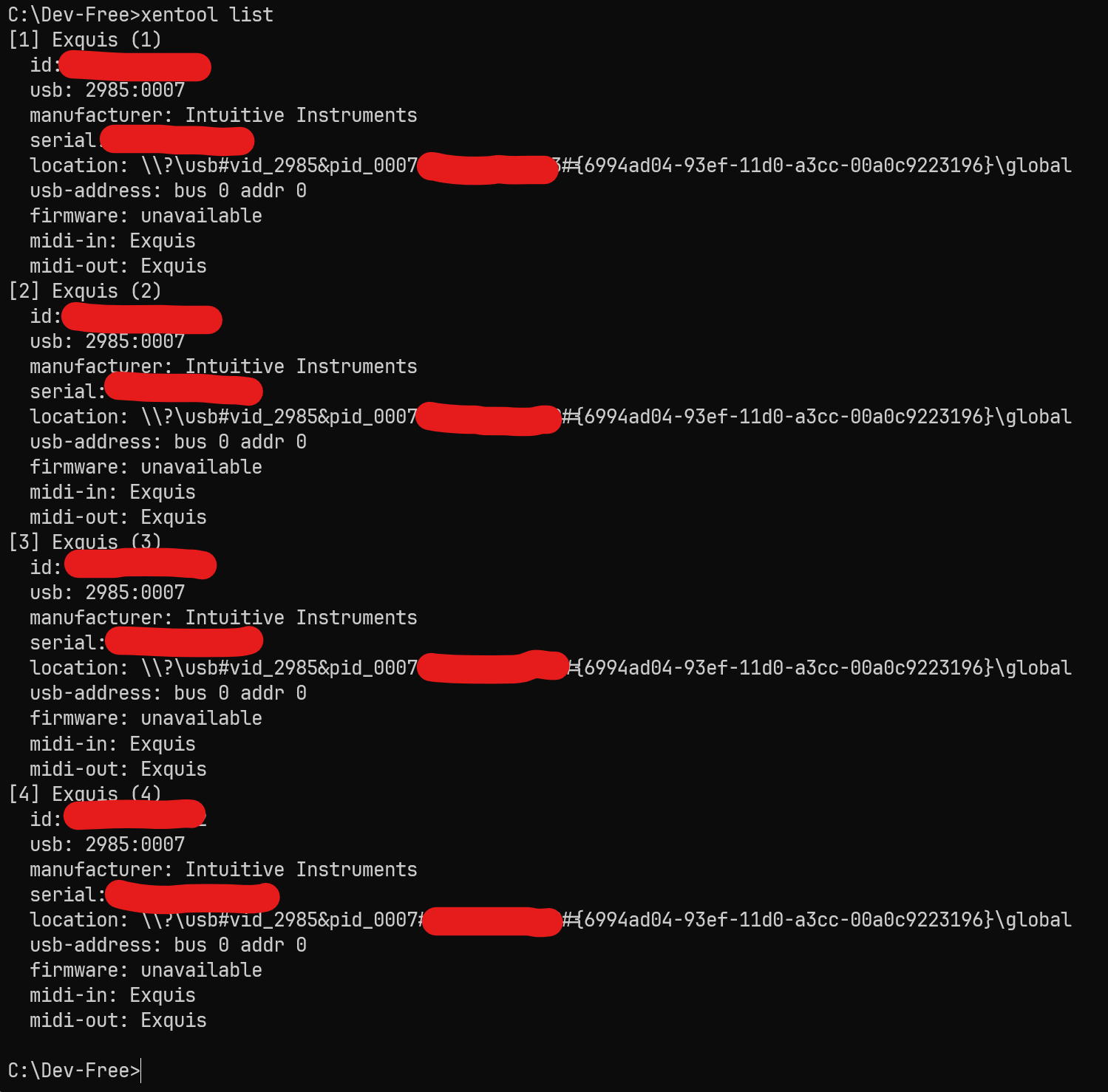
I attached a few screenshots. If there are any questions, feel free to contact me.
P.S. When running 4 or more Exquis, better use a powered USB hub.