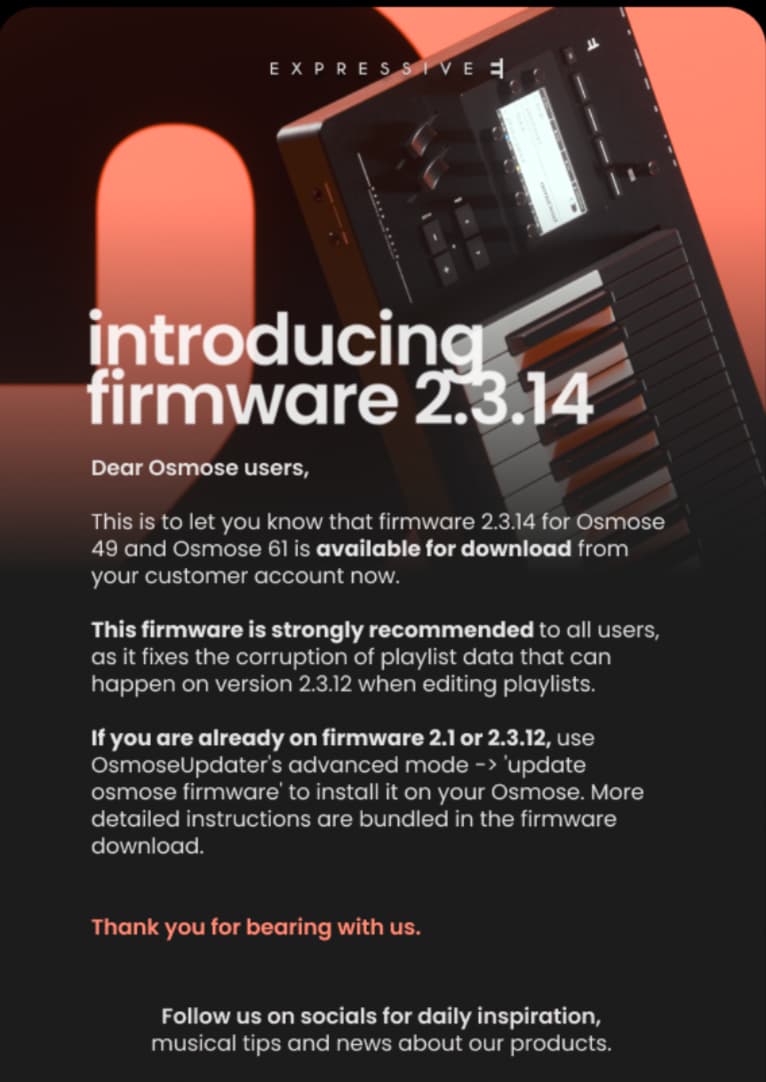
Osmose 2.3.14 release

how’s this going for everyone?
got it working? what’s your thoughts?

its definitely a step up if you want to work with plugins with your Osmose :slight_smile:

I’ve got it working with Ableton, seems pretty cool …
though, honestly most of the daw control stuff, id do via Push , as you have more visual feedback, but its nice to have.


change log

Known Issues: (from Expressive E only)

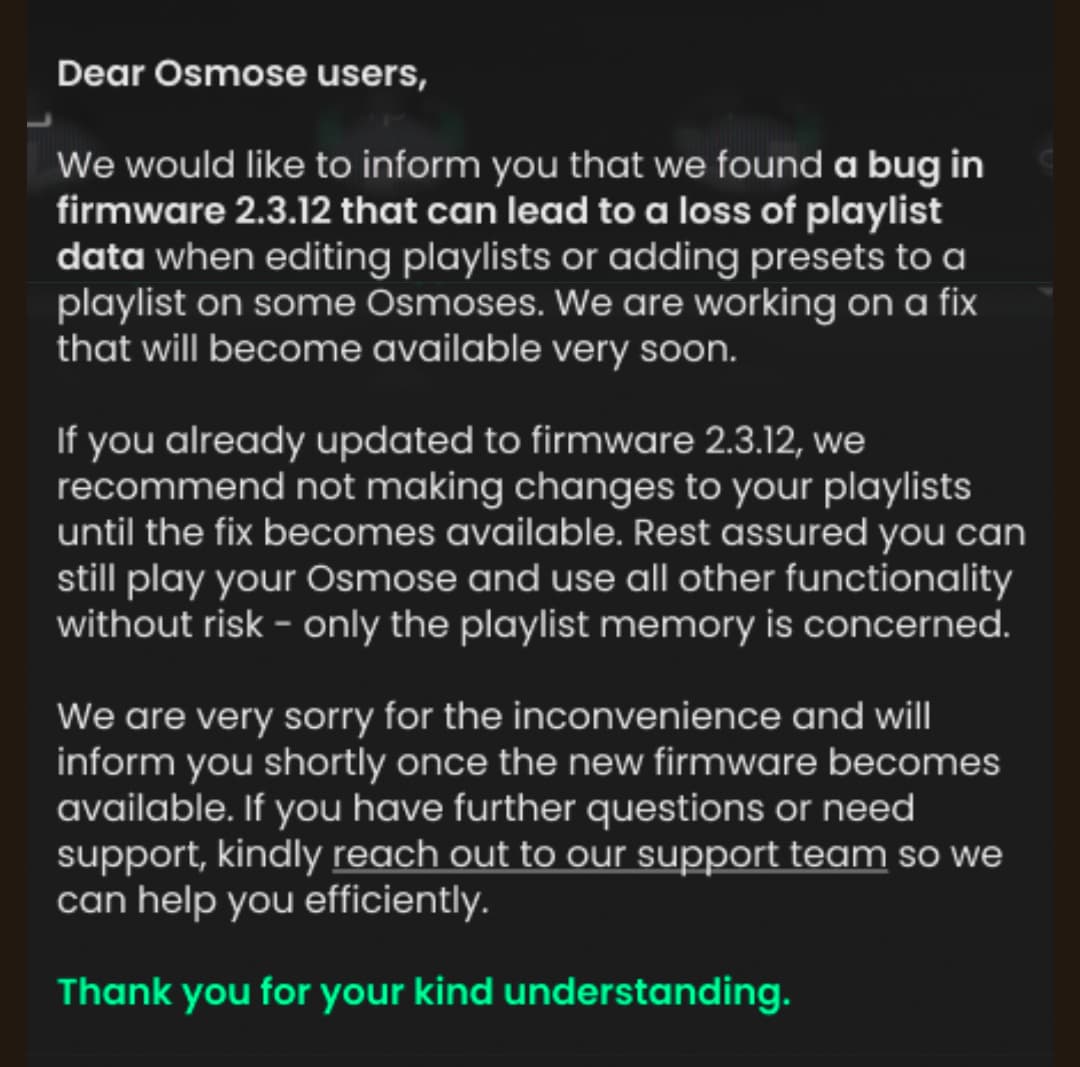
  • Playlists being lost and not updated properly

Changes :

Osmose Firmware v2.3.14 - 24/09/2026

Major changes

  • Feature: Added new DAW Control Mode incl. Ctrl-e integration
  • Feature: Added new bottom action bar incl. semitone-transposition and playing feature toggle
  • Improved: Reworked large parts of the firmware code for better stability
  • Improved: Reorganized USB MIDI ports: 1-play, 2-sound engine, 3-din midi interface, 4-daw control, 5-haken

Sound Engine mode

  • Fixed: Lagging replay of Osmose MIDI performances when routed through a DAW/sequencer
  • Fixed: Mod Slider values not sent on USB MIDI sound engine port
  • Improved: Macros and Global FX parameter changes taken into account bidirectionally on USB MIDI sound engine port
  • Fixed: DSP muted when playing notes while receiving program change messages
  • Fixed: Type filter in navigation menu resetting when marking a preset as favourite

External MIDI mode

  • Fixed: Poly Aftertouch messages sent for wrong keys when using octave transposition while keys are still pressed

Sensitivity menu

  • Fixed: Activation modes (latest key, highest key etc.) not taken into account or saved properly

Playing menu

  • Fixed: Crash when making extensive use of arpeggiator
  • Fixed: Arpeggiator not synching (new quantize parameter in adjust tab)
  • Fixed: Swing timing issues when activating ratcheting
  • Fixed: External clock BPM value jumping when receiving MIDI CC messages

Installation ‘tips’ - Ableton / MacOS

might be useful for others, if you see similar issues.

the install instructions and the advance section of the osmose manual are pretty good, but a few things I found…

a) there’s a lot to install :laughing:
the firmware update is almost instant (assuming you were already up to date)
but then you have to install ctrl-e (and for some reason EE website was very slow), then you’ll probably want to install/update the vsts ctrl-e supports.

b) switching presets constantly
ok, so when I first fired up Ableton with Ctrl-E on it, it was constantly switching presets within Ctrl-E.

This was something to do with the Haken port sending CC messages and Ctrl-E responding too it… possibly due to changes in Osmose midi ports. once I ensured I only used Osmose (play) with Ctrl-E it seemed to be ok.

Setup

ok, mostly this has not changed… except the usage of usb midi ports slightly…

a) hardware settings (osmose)
Midi IO
ext clock usb play 1/3
usb haken mode 2/3 note + matrix (assuming you want to use Haken Editor)
haken local control on or off (to taste, see below)

Ext Midi setting - usually MPE, but to taste.

b) Ableton setup
so this is how Ive set things up, and all appears to be good…

Midi settings
Surface
you will already have a new surface , Osmose with Osmose (daw control) as in and out :white_check_mark:

Midi In
Osmose (Play) - enable , check MPE
Osmose (sound engine) - enable , check MPE

Midi Out
Osmose (sound engine) - enable

you want all other Osmose ports disabled/off

decide if you want to use Clock or not for Ext In/Out
Id assume its not really necessary if you are using daw control.

d) Haken Editor 10.52
yes, we are still on 10.52, so don’t update :wink:

all you need to do is going into Midi Global setting and set Osmose (Haken) as the port for in and out - as this changed.
(again, you’ll need to have midi io - usb haken mode set to 2/3 note + matrix)

e) Ableton tracks
Generally, you want to use Osmose (play) as the midi input, and make sure you select this - do not leave to ‘all instruments’.

Ctrl - E track - you will want to use Osmose (play) as input.
and likely Ext Midi mode on Osmose set to MPE.

Osmose Haken Midi aka MPE+ track
Osmose (sound engine) → Osmose (sound engine)
MPE Setting lower channel , 2-14.

(you can use Osmose (play) as input, if you just want normal MPE)

Osmose Audio - I have an audio track, that I use if I have haken local control = on, my normal use-case.

if you always have local control off , you could use Ext Instrument rather than separate audio and midi track.

similarly if you don’t care about MPE+, and your happy with just MPE, don’t enable Osmose (sound engine) in Midi inputs then hopefully ‘all instruments’ should work fine… i.e. you don’t get the duplicate data caused by having both Osmose (play) and Osmose (sound engine) enabled.

so what’s your setup? did I miss something ? a different way?

any tricks / tips for other daws?

note: I think Windows used ports numbers 1-5 , no names, see advance section in osmose manual for details.

1 Like

had a pretty long play with this yesterday… and I really like it !

my thoughts :

  • the daw control is kind of handy / of limited use, e.g. recording a clip quickly is nice.
  • Ctrl-E is a nice way to leverage (supported) VSTs

is it a game changer? not really, and yes at the same time…
I only ever used the Osmose for the EM sounds, as a standalone synth (except the odd test), but making having Ctrl-E on a track (in my template setup in Ableton), makes far more tempting to just dip and see whats there. I can see me using things like Noisey now.
so the reduction of friction could change my pattern of usage.

amusingly, I also can see EE motivation…
Ive already been looking at their other expressive suites ! its a win-win for us both.

a couple of things I think are missing / id like changed:

  • preset browser for Ctrl-E labelling? (major)
    its just controls. e.g. when you ‘filter’ by plugin, or category its not shown, and similarly the preset name is not shown anywhere.
    this means, you really have to have your computer screen in front of you, I have mine behind me (deliberately) to avoid distraction.

  • Ctrl-E plugin/ suite compatibility. (minor)
    I think EE should make it much cleared on thier web site, what plugins/preset suites are compatible with Ctrl-E … rather than just what is included. e.g Im assuming Hive 2 expressive suite IS supported, but no presets are ‘contained’ in base pack.

  • Startup mode (very minor, nit picking)
    I really wish it would either remember your last mode, or default to sound engine.
    I like the osmose as an instrument, and that ‘menu’ at startup breaks that feel a tiny bit :wink:

Other than that…
apart from reconfiguring it was flawless (see above)

that said, I’ve had the ctrl-e plugin (?) crash Ableton a couple of times…
seems to be when selecting user presets? because its empty? so perhaps I can workaround?

looking quickly on facebook, seems others have not been so lucky, with quite a variety of midi issues… that said, every update we see the same.
its a natural bias, people are more likely to post if they have an issue (in hope of a solution) - than if it just works - so hard to judge if it is a small or large %

but for me…it basically, just worked :slight_smile:

holding off for a week or two, to see if there’s a bugfix point release.

I’m told the load time on internal presets is Down from the last release. pleased to hear that, at least!

could be wise…
it seems stable to me, I think most user issues are likely down to the move to 5 usb ports, and reflecting in their setup (e.g ignoring some of these ports, or knowing which to use etc)

the rest seems like they have ‘just’ ported the osmose ce code over to the osmose, so the osmose functionality is unchanged. (and critically, the dsp firmware was not updated) , so if you aren’t using daw control/ctrl-e very little difference to 2.1

internal preset loading - Ive seen this, though, honestly I cannot say I noticed… perhaps a bit, or perhaps Id just got used to it?

that said, its very possible EE have tweaked their midi implementation for the launch of the CE, as its obviously critical on the CE.


I’ll say Ive been using local control on the Osmose, as early on, I found the midi implementation a bit “problematic”, so was easier to bypass.
I am tempted to give it another go now, as I’m sure it must be pretty solid on the CE otherwise there would have been an huge outcry !

1 Like

Adding to things already said:

Im not convinced Hive 2 is supported within Ctrl-E at the moment. I am mostly basing this on the fact that if you own various expressive suites, these days when you go to the download section of your account and press download button next to these, there are now Ctrl-E versions of the presets that you can download. But thats not the case for Hive 2 at the time of writing.

As for whats changed in the Osmose itself, theres a changelog and there are fixes to some stuff, including arpeggiator stability issues that I know some people have been complaining about for a very long time.

ok, I got a reply from EE about Hive 2, and 3rd party hosting

3rd party hosting, as I suspected… yeah, its ‘deliberate’ choice ( * )
I had provided some reasons why they might want to revisit this, and support have said they will take these and discuss with developers.

as for Hive 2, apparently, yes it was originally supported, but u-he decided ‘not to continue with it’.

I have pointed out in my reply that having ‘expressive suites’ that are not part of Ctrl-E is going to be a source of confusion (frustration?) for some customers of these.

anyways, let’s hope they reconsider (otherwise I have an idea :laughing: )
though id not expect anything ‘quick’, Im sure those that bought the Osmose CE will have already raised similar points.


( * ) i kind of understand this, for a fews reasons, they want:

  • a curated set of sounds known to work (nicely)
  • a plugin-player (included, free to play) + full plugin (bought) , not unlike kontakt/UVI etc I guess.

excluding the limitations, it does provide a nice out of the box experience esp. in a field where MPE synths can be confusing for newcomers, mpe presets a ‘mixed bag’ etc

also I suspect, Ctrl-E is likely to be the ‘host’ for their Haken Engine Overlays (or at least a variant of it)

1 Like

updated OP, with change log and now this ‘known issue’

funny, they say 2.3.12, when its 2.3.14
perhaps this means it started on the Osmose CE with 2.3.12?
(possibly means, that also have an idea what change caused it… so knew where it was introduced)

I think theres 2 things a few have reported on facebook group (consistently)

  • playlist issues - losing on update, and also not updating later
  • an issue with pitchbend wheel range (? I didn’t test, as dont use often)

that said, Ive Ive now turned off notifications for that facebook group,
some were just getting too toxic / negative, and basically ‘piling on’, on almost every post.

ofc, its frustrating, but its not that bad a release… Ive seen much worst firmware updates before, this has been pretty smooth for me.
(and its not like 2.1 was without any issues :wink: )

Ive been continuing the conversation with EE a bit on the 3rd party plugin ‘idea’.

they replied to this,
(paraphrasing) basically said, they were also concerned about/acknowledged this, and there were internal conversations going on about it.


It’s an interesting one…
I’m sure they must have had plans for Ctrl-E when they started creating this suite, esp. as Ctrl-E is very similar Lie (for touche).
Also, Id be amazed if Osmose CE was not ‘always’ on the roadmap, just ‘when’ to not impact Osmose sales.

ofc, once you get to implementation phase, all sorts of things change…

but it does tie back into my ‘why not allow 3rd party plugins’?
it seems like they decided Ctrl-E is for plugins they can ship a ‘player’ version of only.

but it creates this exact issue…
Its one thing to create a sound pack, and another to partner with a plugin developer and get/distribute a “plugin player”

justification?
perhaps so they can sell sound packs without insisting people buy plugin too?
but then that limits you to which plugins you can develop for.