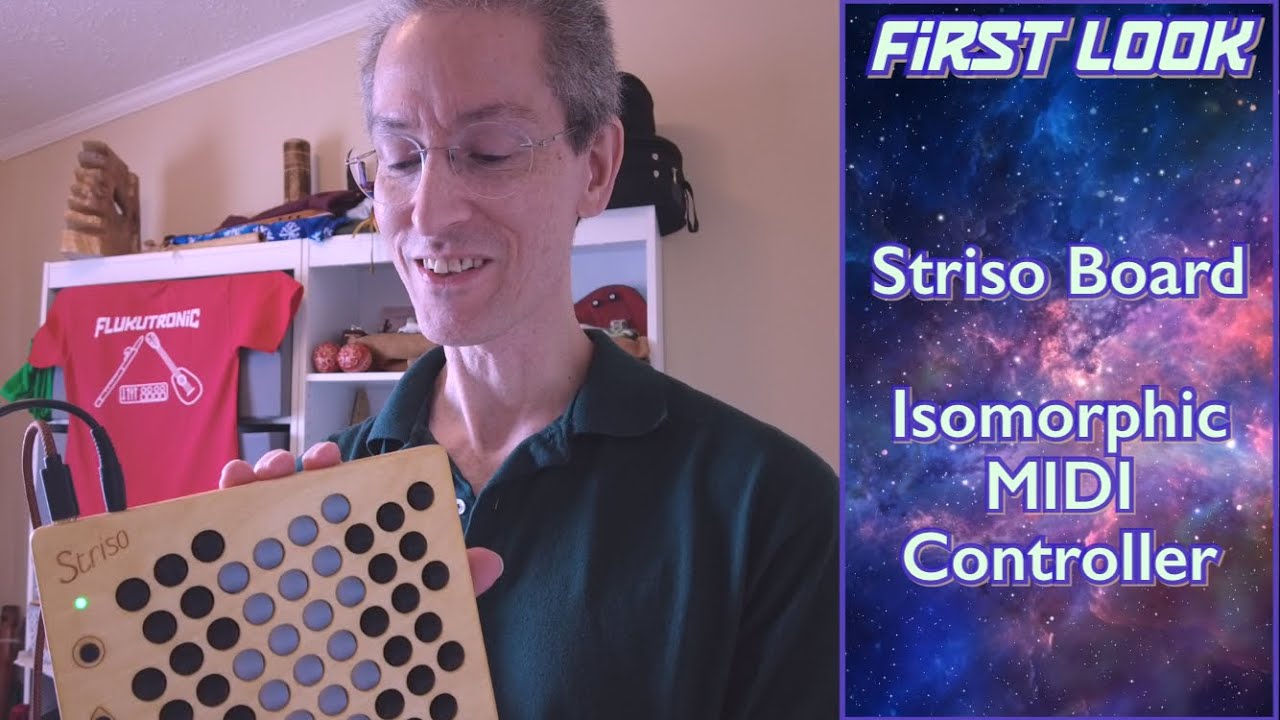
One question I can’t find the answer to is regarding connecting a single Striso board to an iPad. What cables are needed to make this work? Do you need separate power and MIDI cables or will the iPad power the Striso?
What are your favorite iPad apps for driving with the Striso?
1 Like
Hi! I guess a USB-B to USB-C cable should do the trick. Optionally an in between data- and loading adapter should still allow to charge the iPad while playing.
But I think @mtyas has used such a setup, he could give the definite answer 
1 Like
My iPad (9th gen) still has the Lightning connector. I have a Lighting-to-USB (A, I think) so maybe a USB-B to A cable would do it. But I have another controller, the Exquis, that won’t work like that as it needs too much power from the iPad. I still haven’t found a good way to connect the Exquis to the iPad. I’m hoping the Striso might be better.
1 Like
I have the old-enough-to-be-Lightning-connector iPad, too, and it works just fine powering the Striso. The adapter is the one billed as “camera” adapter, and it will also let you play while charging, if you are low on charge.
As far as apps go, there are so many that work so well. A few of my favorites:
ThumbJam: first, and in some ways, still best. Lots of nice intruments, huge variety of controls, and hardly ever crashes.
Roli free apps: Seaboard, and maybe NOISE. Great sounds, cool controls.
GeoShred: Great instruments, and the “gateway drug” to the non-recorded models of lots of powerful instruments.
There are a ton…You are in for a treat, IMHO.
3 Likes
Great! That’s encouraging. I have tons of apps too but I mostly feed them from MIDI generators. I’d like to get a little more “organic” for those tracks to go along with my truly organic instruments like ukulele and flutes.
1 Like
The SWAM instruments for GeoShred have very nice reeds and strings! I particularly like the woodwinds; I play concertinas, and the reed instruments evoke their sounds, without “copying” them. And as a related benefit if you “play out” the Striso, iPad, small battery speaker, and power pack and cables all fit in a small bag and weigh under 5 pounds! And I imagine you know about using digital mixers (or whatever AUM and the like are called) allows you to “layer” multiple sounds to make new sounds at your whim. How many hours of fun does that provide?
1 Like
Just looking back for info on Exquis, and saw this. Have you manged to get somewhere with the Striso, and the Exquis? I am very interested in any comparison from one who has used both. I am considering the Exquis, while still enjoying the Striso. I use the “lightning camera adaptor” which works just fine with it.
I sold the Exquis but still have the Striso. I didn’t like the layout as well as I hoped and didn’t like that I couldn’t use it with the iPad very easily. But now I mostly use the Striso connected to PC anyway.
Thanks for the reply, jimhanks. I am still not clear if you could make the Exquis-iPad combination work, so long as you used the power into the lightning “camera” dongle, too? And, I am also very interested in what people do with the Striso. Any tips/clips to share? Thanks again!
Hmm, to be honest, i don’t recall if I ever got the powered hub to work. It should. I had no problems connecting the Exquis to PC over USB.
The Striso I mostly use to record pad and “accent” tracks. I’m not playing Bach on it. I posted my “unboxing” video here:
I used it on 5 tracks of my latest album:
Thanks for sharing! Interesting work. Makes me wish I’d stuck with wind as a child.
On the Lightning side, a powered camera adapter should let the iPad see a class-compliant USB-MIDI controller while supplying current; if it still doesn’t appear, the issue is more likely the adapter/hub or the app’s MIDI routing than the keyboard itself. With a USB-C iPad, a direct USB-C cable is usually the simplest test. I don’t have Exquis-specific confirmation, but that’s the usual troubleshooting path.