ok, Ive moved this topic away from EigenD 3.0 Beta, as Im assuming you are trying to install 2…1.7 as the 3.0 beta does not at this time support windows.
so I assume you are following along with this topic
note: Ive updated the above topic, to point at 2.1.7 release, rather than ‘latest’, as this is more appropriate, outside of EigenD 3.0 Beta
so you should pickup EigenD 2.1.7 from
yeah, Id assume thats always the case… or at least that windows would prompt you to install as admin. generally windows has tightened up the ‘user = admin’ over the years 
ok, so the first question is … are the factory setups working?
there is no point, in proceeding with modification via workbench, unless we are certain everything is working correctly before hand.
i.e. are we just talking about how to use workbench to achieve what you want or an issue?
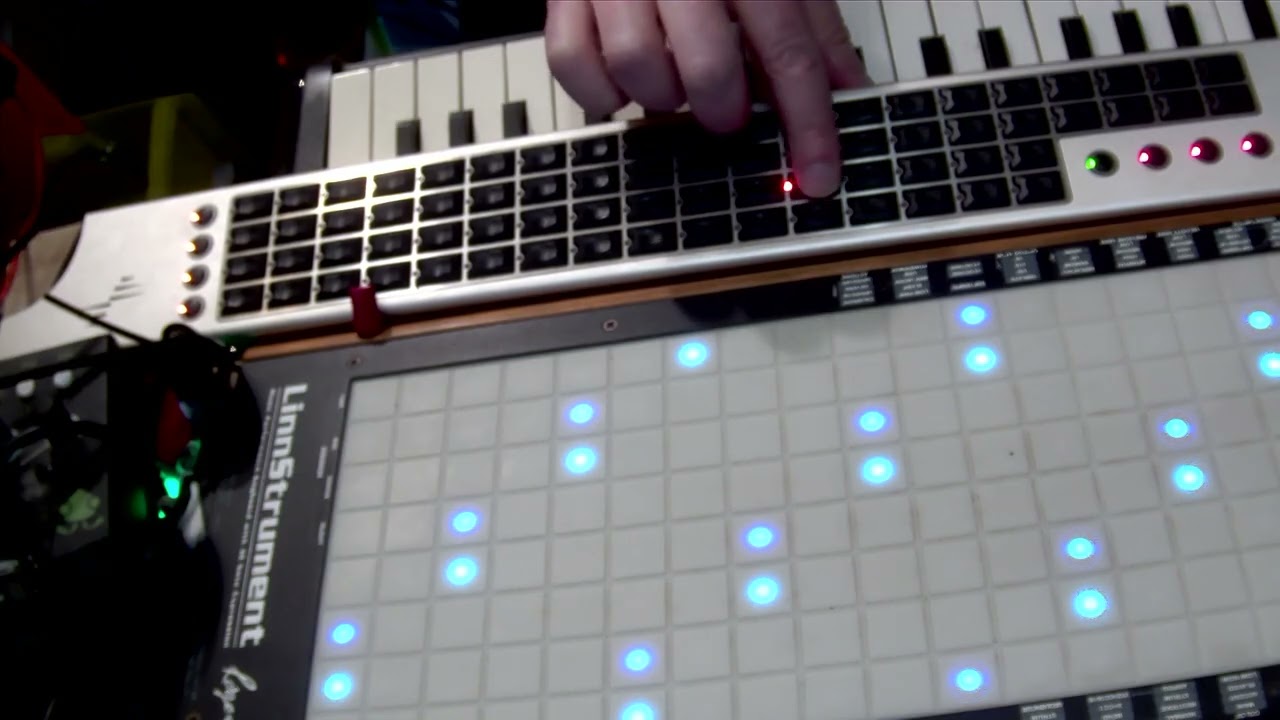
I’m now at a stage where I’m completely stuck. I need a completely new workbench preset written, where each of the rows transmits chromatically on its own unique midi channel, and where the scaling is reversed from the standard. I’ve tried to explain what I need in this short video - https://www.youtube.com/watch?v=0ilVb0NtFsA
Ive not watch the video (yet) …
but when you say ROW, to you mean down the Tau? or across?
(as Id call that column … then again, I cannot remember which way EigenD calls it  )
)
basically, if you want to have separate midi channels. then its going to get fun…
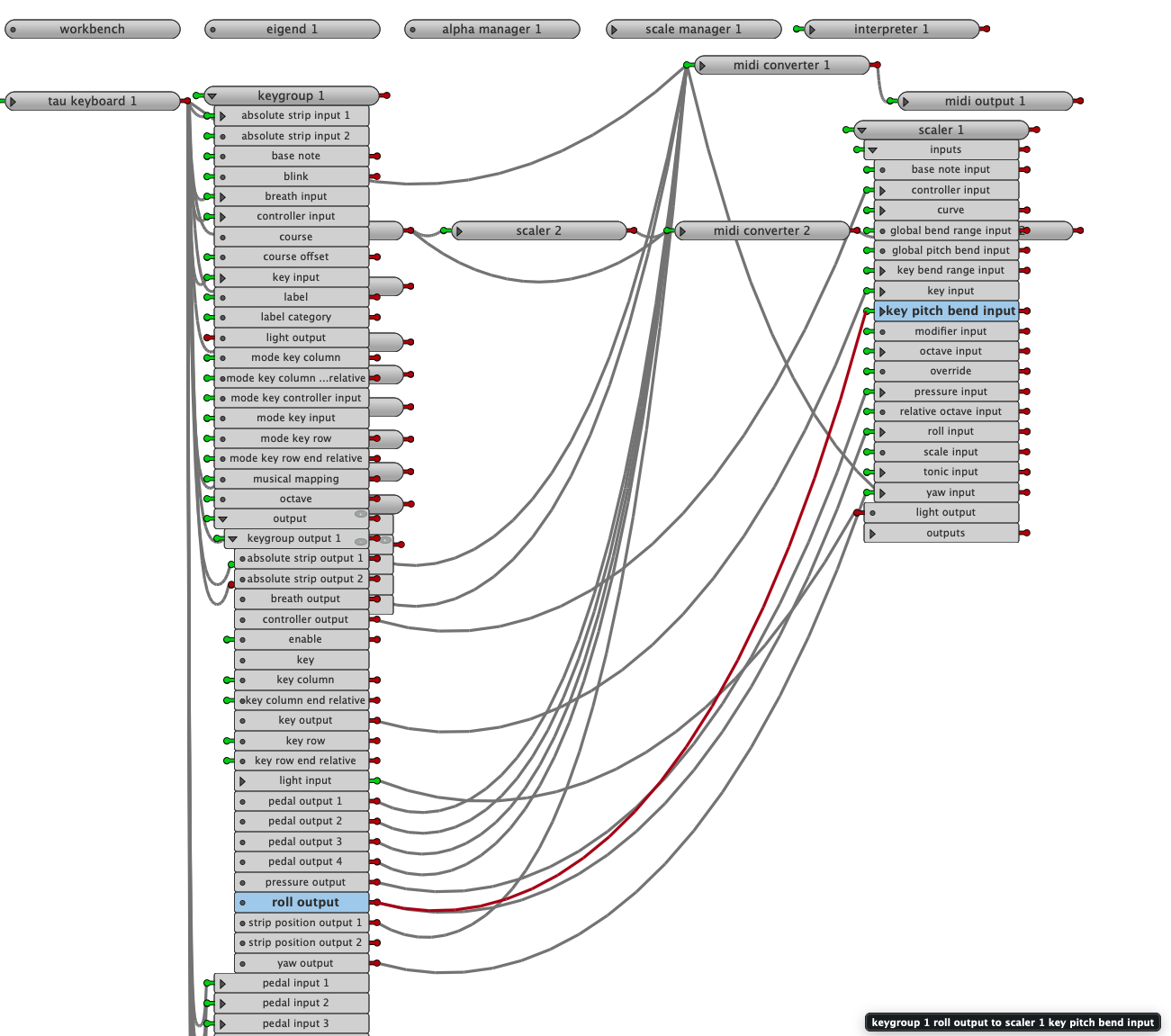
Id start by looking at the basic midi factory example, to get yourself familiar with the modules you are going to need.
essentially what you are going to need to do is, create a keygroup for every ‘row’ (i.e. what you want as a midi channel), in that keygroup you list only the keys that you are interested in (i.e. that row)
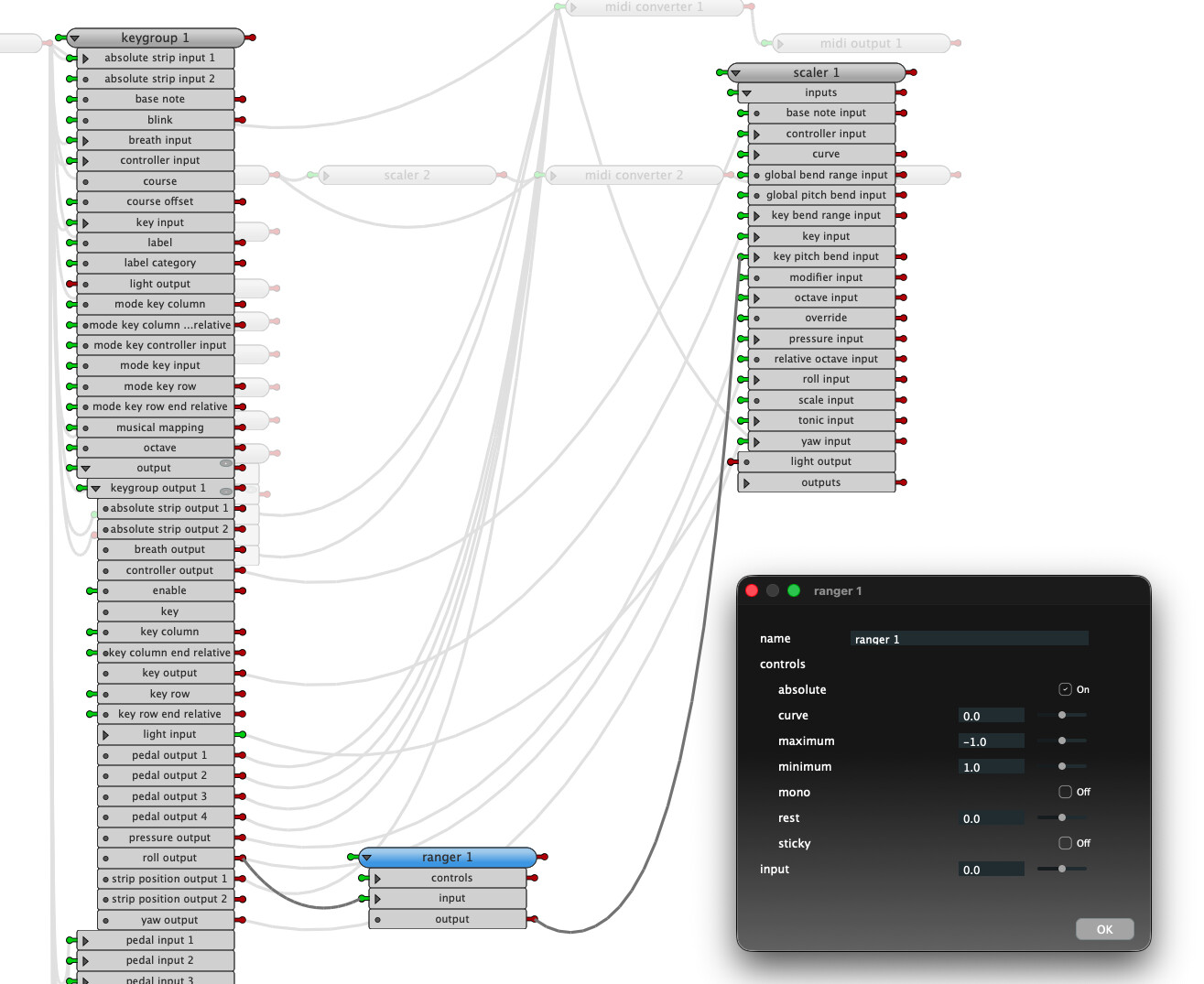
then for each of those keygroup, create keygroup output then send to a scaler, then midi converter, then finally midi output.
each scale you configure for chromatic and octave, each midi converter midi channel etc.
basically , its like the midi example, except you are going to have multiple keygroups.
so
keyboard → keygroup 1 , keygroup 2 , keygroup 3 , etc
(Id probably actually go keyboard → Keygroup Main → keygroup 1 , keygroup 2 , keygroup 3 , but I suspect that is not ‘necessary’)
keygroup N → output 1 → Scaler N → Midi Converter N → midi output N
i guess, the other way, if you are not confident with this, and the you are already doing mapping in Ableton, would to be just use the basic midi example.
that could be seutp to send different midi notes for every key (as tau has less < 127 :)) , then map from that.
thats pretty trivial to do, just change it so the offset is number of keys in a column